Need to download a YouTube video thumbnail to illustrate an article, presentation, or create a video? Our free tool lets you instantly extract the official thumbnails of any YouTube video.
On YouTube, the thumbnail (also called a thumbnail) is simply the cover image of a video: the image you see before clicking, in search results, suggestions, and on the homepage. Its role is to represent the content and encourage clicks.
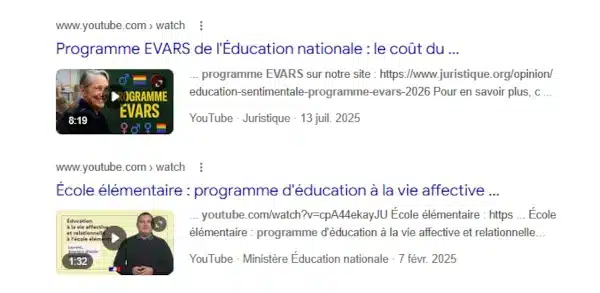
Whether you need a high-resolution (HD) video or a smaller file size, paste the video link below. With one click, access the various available formats and download the image (thumbnail) you need, without any loss of quality.
Contents
Our tool for easily extracting the thumbnail, image, or video clip from a YouTube video 👇
YouTube Thumbnail Downloader
Get the HD thumbnail of any video in one click.
All the steps explained: how to use our YouTube thumbnail extractor?
Follow these 4 simple steps to recover your image in seconds:
- To get the video link: Go to the YouTube video of your choice and right-click to get the URL of the video from which you want to extract the thumbnail (example: https://youtu.be/mNvsGAumLmI).
- To paste the URL: Insert the link into the input field of our form above, then click the “Extract” button.
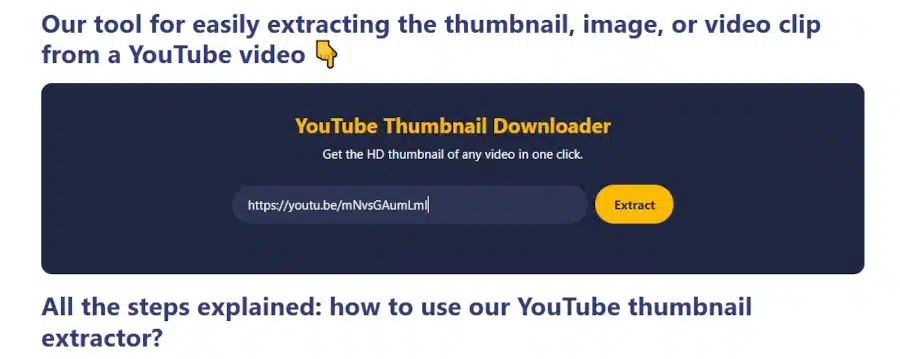
- Select the thumbnail quality; the available options will be displayed simultaneously. Click the download button for your preferred quality. I recommend choosing the HD version if available.
- Save the image: right-click on the image, then select “Save image as…“.

Video tutorial: how to retrieve the YouTube thumbnail (simple tutorial for everyone)
FAQ: All about YouTube thumbnails
Other online tools available on Juristique
The tools offered by Juristique® allow you to easily carry out legal and administrative procedures as well as financial calculations and optimization online.


We’d love to hear your opinion and feedback on our YouTube thumbnail extractor:
Tell us in the comments. THANK YOU.
